AI Security Resource
AI Tool Security Field Guide
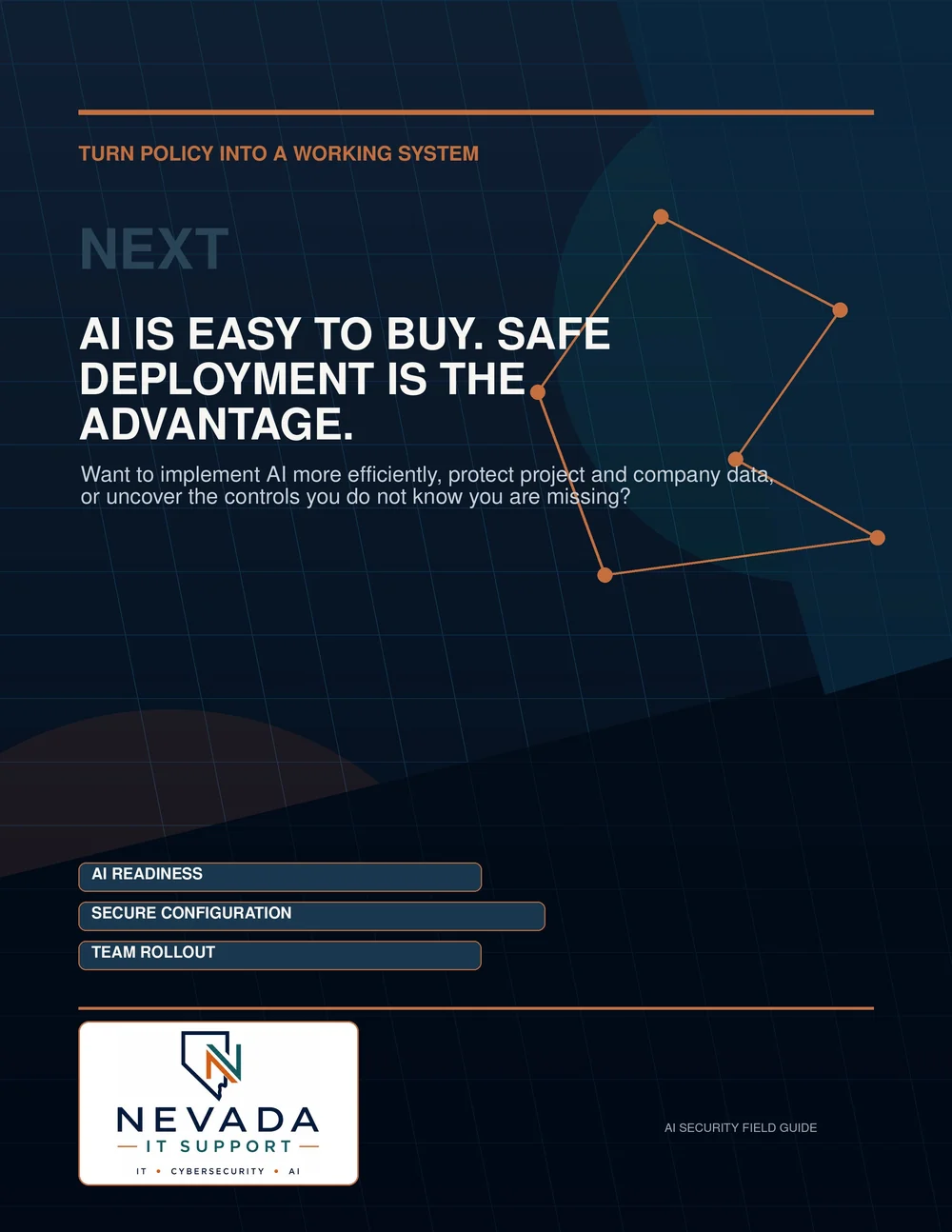
A practical 2026 operator guide for protecting company data and securely configuring ChatGPT, Gemini, Claude, Grok/xAI and Microsoft Copilot across personal, business and enterprise plans.
 Vendor guidance / data controls / validation
Start here
A paid AI subscription is not the same as protecting company data.
Training controls, retention, memory, sharing, connectors, account ownership, permissions and employee access must each be configured deliberately.
The AI Tool Security Field Guide gives construction, engineering, architecture, landscaping and other project-driven firms a practical framework for deciding what information may be used with AI and how approved tools should be secured.
Inside the guide
What the guide covers
Data decisions
- The AEC data gate for public, internal, confidential and restricted information.
- Production testing, evidence collection and quarterly reviews.
Account hardening
- A universal 15-minute AI-account hardening checklist.
- Training, retention, memory and sharing controls.
Access and identity
- Connector, file-access and action permissions.
- Identity, MFA, SSO, roles and employee offboarding.
Vendor guidance
- ChatGPT, Gemini, Claude, Grok/xAI and Microsoft Copilot.
- Personal, business and enterprise plan-selection guidance.
Built for AEC data risks
Project data can be sensitive even when it has no obvious personal information.
Drawings, BIM files, bids, estimates, contracts, RFIs, submittals, client correspondence, meeting transcripts and project repositories may contain sensitive information. AI tools can also inherit overly broad permissions from Microsoft 365, Google Workspace and connected platforms.
The guide helps teams classify information before it reaches an AI prompt, upload, connector or automated agent.
Who it is for
Useful for the people responsible for making AI safe and usable.
AEC and landscaping firms
Architecture, engineering, construction and landscaping teams handling project files, client data and field workflows.
Business and operations leaders
Owners, operators, project managers and department leaders developing a practical AI-use policy.
IT and security teams
Administrators and security teams evaluating AI tools before broader organizational rollout.
Why it is practical
A configuration and validation guide, not an AI-trends report.
This is a vendor-by-vendor configuration and validation guide with checklists, recommended settings, plan-selection guidance, production sign-off worksheets and an audit-ready evidence framework.
Keep going
Turn the guide into a responsible AI plan.
Resource access
Get the AI Tool Security Field Guide
Complete the short form to receive the AI security guide for your organization.
Important note: AI products, interfaces and plan entitlements change frequently. Revalidate settings after licensing, policy, connector or vendor-interface changes and complete a formal review at least quarterly.
We use this information to provide the requested resource and follow up regarding relevant technology or cybersecurity needs. We do not sell personal information.
Next step
Need help applying the guide?
Nevada IT Support can help review AI use, Microsoft 365 permissions, cybersecurity controls and data readiness before your organization expands its use of AI.